

PHP2Shell risk calculator
Should I take my website offline? A PHP risk calculator
If your site runs a vulnerable PHP version, can be reached from the internet and cannot be updated or mitigated soon, the NCSC's guidance is to consider taking it offline until it is fixed. Answer the questions below to see which side of that line your site is on.
Last reviewed against php.net, the NCSC and CISA.
How the result is worked out
Four outcomes, from the NCSC's priority actions
The NCSC's alert sets out an order: update; if you cannot, apply the temporary mitigations; if you cannot do that either, consider taking the system offline. The calculator follows that order, adds CISA's line on PHP 8.1 and older, and moves a site to the stricter outcome when it holds personal data, takes payments or draws particular attention.
Your version includes the fix
When: Your version is at or above the fixed release for its branch.
Then: Confirm the running PHP processes are the fixed build on every server, then check for signs of compromise if the site was exposed before you patched.
Patch today
When: You are affected and a fixed version can be live today, or the server is only reachable from inside your network.
Then: Update, restart PHP, confirm the live version.
Patch now, and apply the interim settings while you do
When: The update cannot land today, but you can apply php.net's interim settings and the site does not carry high-value data or attention.
Then: Apply the settings now, schedule the update as an emergency change, and restrict access if it slips.
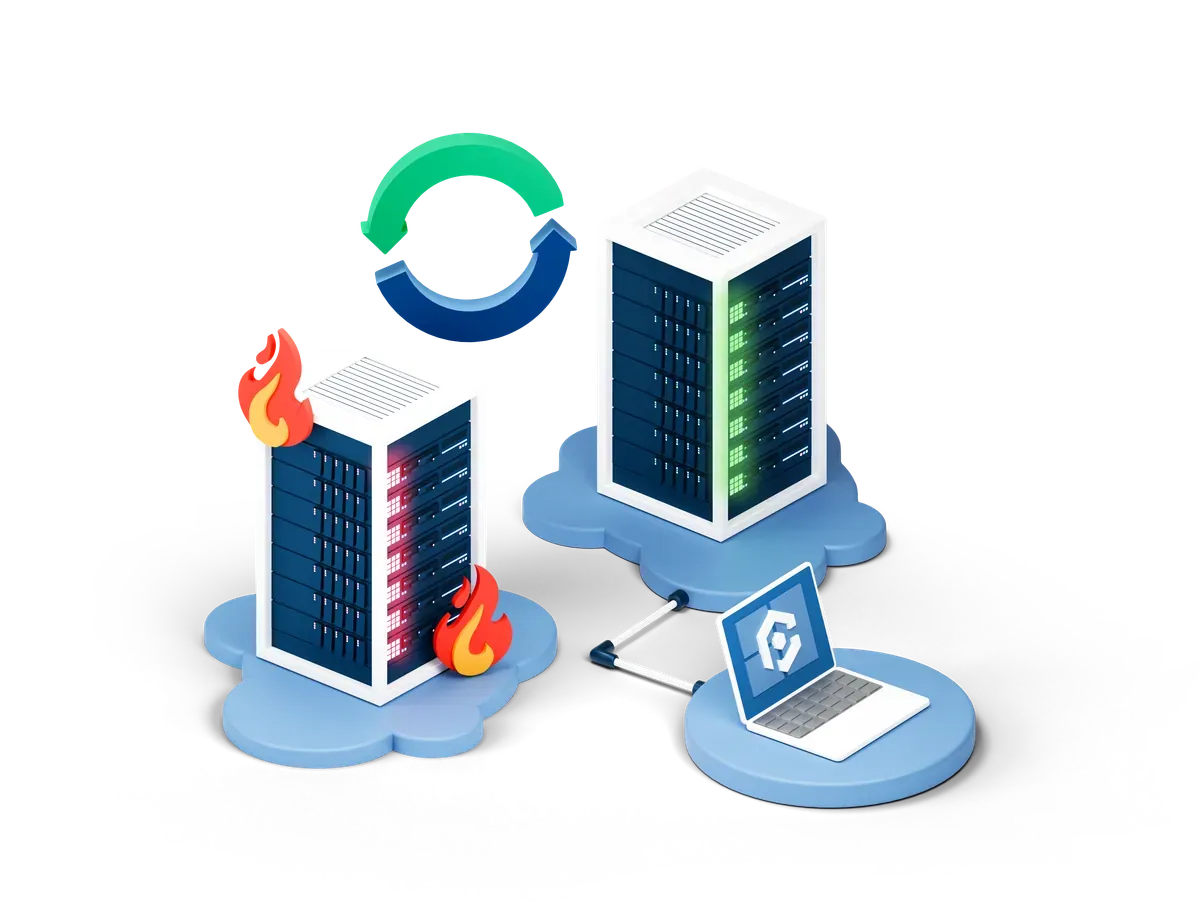
Restrict access or take the site offline until it is fixed
When: The site is public and either runs PHP 8.1 or older, or has no quick route to a fix and cannot be mitigated, or holds data or draws attention that raises the stakes.
Then: Limit who can reach it, or take it down, until a fixed and supported version is live.
Short of switching it off
What restricting access means in practice
Both flaws need an attacker to send requests to PHP without logging in. Anything that stops anonymous requests reaching PHP removes that route while you arrange the fix.
Allow only known addresses
Limit access at the firewall, load balancer or web server to the IP addresses of your own staff or office. Customers lose access, but the site keeps working for the people who maintain it.
Put the site behind a login
Basic authentication at the web server or a single sign-on gateway in front of the site stops anonymous requests from reaching PHP at all, which is the condition both flaws rely on.
Serve a static holding page
A plain HTML page served by the web server or your CDN, with PHP switched off behind it, keeps a public presence and a contact route without running vulnerable code.
Take the site offline
The cleanest option when none of the others fit. It stops new attacks, though it removes nothing an attacker may already have left on the server.
CISA also notes that a web application firewall may give some protection until the server is patched. Treat it like the interim settings: useful for days, not a reason to delay the update.
If your host runs PHP
The questions to ask your hosting provider
On shared and managed hosting the provider patches PHP, but you usually choose which version your site uses. Ask three things:
- Which PHP version is my site running right now?
- Does it include the 21 October 2026 fixes for CVE-2026-109618 and CVE-2026-109619?
- If not, when will it, and can I switch my site to a fixed version myself today?
If you run the server
The interim settings, in short
Set session.upload_progress.enabled=0 in
php.ini or the PHP-FPM pool configuration, not with
ini_set(), and restart every PHP worker. On PHP 8.5,
also set fatal_error_backtraces=0. The PHP project
lists further partial measures on request and memory limits, and
is clear that updating is the only complete fix.
Quick answers
Taking a site offline: questions, answered
Should I take my website offline because of PHP2Shell?
Only if you cannot get it fixed or mitigated quickly. The NCSC's guidance is to update first; if you cannot, apply the temporary mitigations; and if you cannot do that, or it would take too long, consider taking the system offline until it can be fully mitigated. CISA goes further for unsupported versions: take systems running PHP 8.1 or earlier offline if they cannot be updated.
Is my PHP version vulnerable?
If it is below 8.5.12, 8.4.27, 8.3.36 or 8.2.35 on its branch, or on PHP 8.1 or older, yes. The exception is a distribution or vendor package, where the fix may be backported under an older-looking number; check your vendor's security tracker for CVE-2026-109618 and CVE-2026-109619.
Does this tool check my website?
No. It never contacts or probes any website, and nothing you enter leaves your browser. Checking a site you do not own can itself cause problems, so the calculator works only from the answers you give.
If I take the site offline, am I safe?
You are safe from new attacks through that site while it is down, but taking it offline removes nothing already planted on the server. Both vulnerabilities are on CISA's Known Exploited Vulnerabilities catalogue, so check a previously exposed server for signs of compromise before you bring it back.
Can I rely on the result?
Use it to structure the decision, not to make it for you. The bands follow the NCSC's and CISA's published guidance, but they cannot see your contracts, your customers or the systems around the site. The decision, and the risk, stay with whoever is responsible for the site.
Beyond the one site
The server you know about is rarely the only one
Organisations running PHP often have more of it than they realise: a staging copy, an old campaign site, a container, an appliance with PHP inside. A vulnerability scan finds them and shows which are still exposed.